Lifetime free credit card, no credit history needed, no hidden fees
Apply for a credit card. Download Roar app
Roar credit card features
Your money. Your credit. Your way. All in one place
The only card you need
Savings account, credit card and UPI payment all in a single card. One card, total control
RuPay credit card with UPI
Link your card details to any third-party UPI app and pay using your credit card. You can scan QR codes, shop online, or pay in-store using UPI
Instant credit limit
Get a credit limit up to ₹3 lacs instantly. Plus, enjoy up to 62 days including 3 days grace period of interest-free spending
Free credit card
A lifetime free credit card with zero joining fees, zero annual fees, and zero hidden charges. Seriously
Stylish black credit card
A sleek black card that looks as sharp as it works. Designed to stand out without saying a word
Virtual credit card
Your card is ready to use instantly in the app. Shop online or link it to Google Pay for secure, tap-and-go payments
Credit card with cashback
Cashback that feels like cash because it actually is
Earn cashback on your credit card
Get up to 20% cashback on selected category every month. Categories change monthly so there’s always something new
Real cashback
No confusing points or tricky redemptions, just real cash
How to get Roar credit card?
Applying for a Roar credit card is quick, simple, and fully digital. Everything happens inside the app
Download the Roar app
Go to the Play Store or App Store and install the Roar app on your phone
Add your details
Enter your PAN and income information
Complete the KYC and order your card
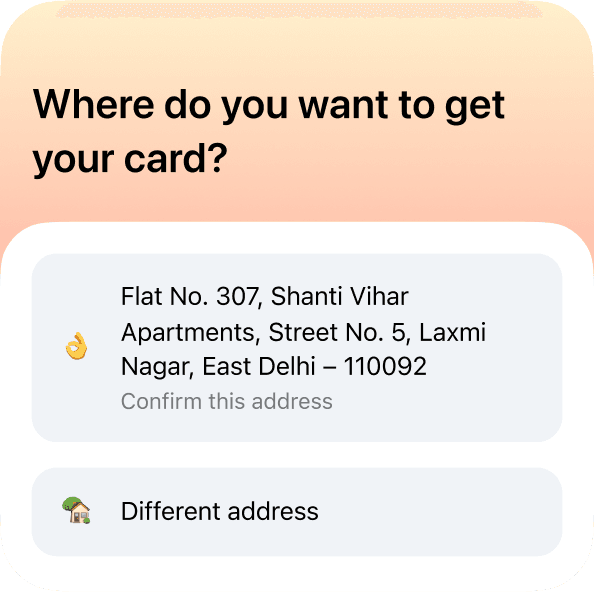
Once approved, complete the KYC in the app and order your lifetime free credit card. We'll deliver it to your doorstep
Sign up and verify your identity
Create your account using your mobile number
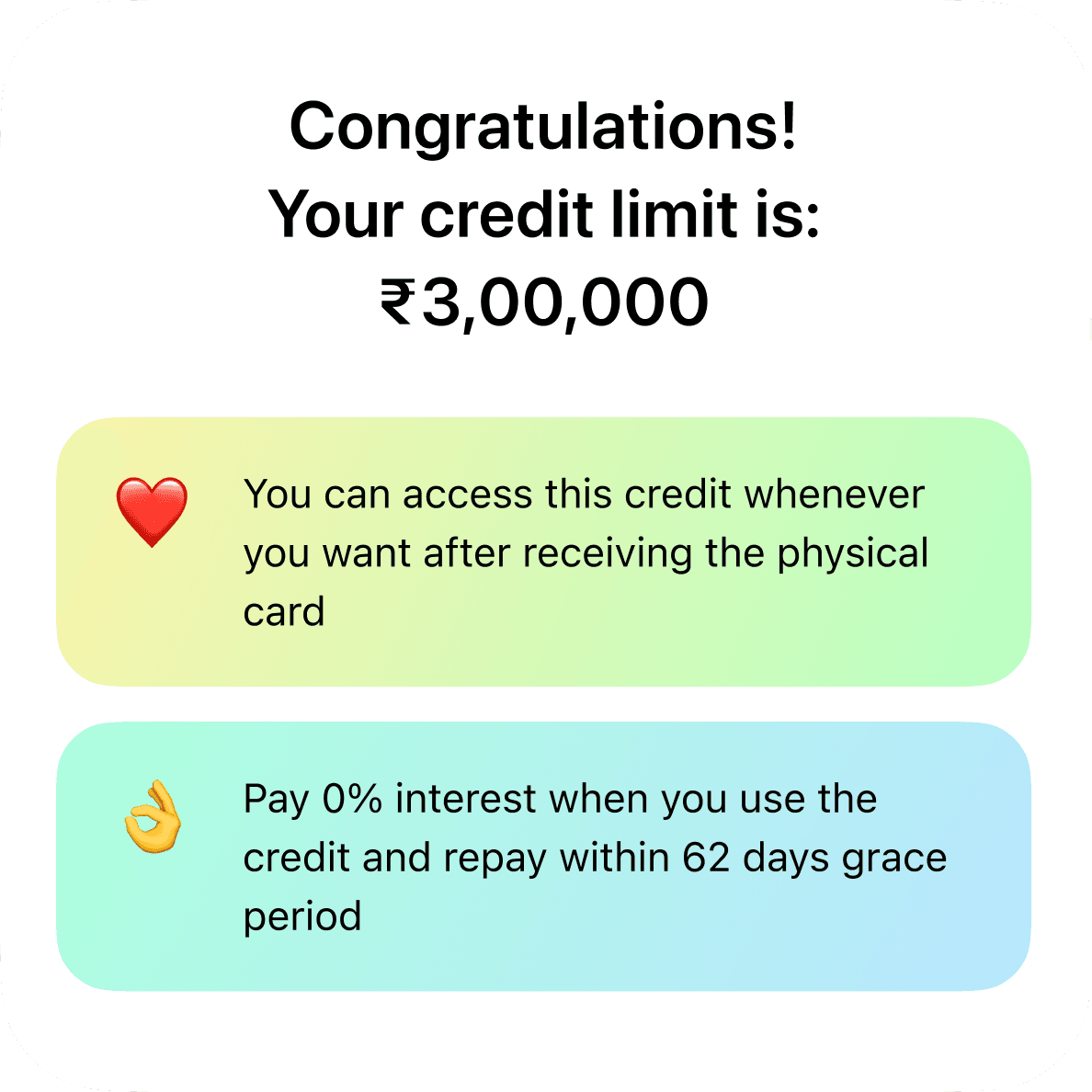
Get your credit limit
Based on your profile, we’ll instantly assign a credit limit of up to ₹3 lacs
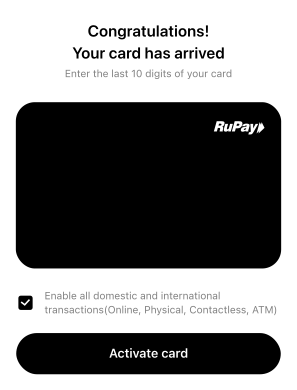
Activate and start spending
While you're waiting for your plastic card you can start spending using your virtual card. After you receive your card, just activate it in your app
FAQ 🧐
How to activate a Roar Credit Card?
Download and open the Roar app
Log in to your account
Once you receive your physical card, go to the card section in the app
Follow the activation instructions and set your card PIN
After activation, your card is ready for online, offline, and UPI payments
How to pay a Roar Credit Card bill?
You can pay your bill through:
• The Roar app
• UPI-enabled apps
• Linked bank account transfers
Note: Any cashback earned is automatically adjusted against your card balance, reducing your next bill amount
How to increase the Roar Credit Card limit?
Roar reviews your account based on:
• Repayment history
• Credit behavior
• Usage patterns
• Eligibility assessment
Using the card regularly and paying dues on time can help qualify for a higher limit over time
Can I use a Roar Credit Card internationally?
Roar is primarily used within India through RuPay, UPI, online purchases, and POS transactions. International acceptance depends on the network support and card configuration. Check the Roar app or contact support before international travel
What is the interest-free period on the Roar card?
Roar offers up to 62 days of interest-free credit period which includes a grace period too
How to check the Roar Credit Card limit?
Open the Roar app and navigate to the Credit Card section. Your available credit limit and used limit are displayed there. Roar offers limits of up to ₹3 lakh, subject to eligibility
Is a Roar Credit Card safe?
Yes, a Roar Credit Card is completely safe. Roar provides several security features:
• PIN protection
• Instant card block/unblock
• Transaction limit controls
• In-app card management
• Secure digital onboarding
• Private mode and spending monitoring tools
These features help users maintain control over card security
How to add a Roar Credit Card to Google Pay?
Open Google Pay
Go to Payment Methods
Select Add RuPay Credit Card
Choose Unity Small Finance Bank from the supported bank list
Verify your card details and complete authentication
Set up the card for UPI payments
Once linked, you can scan QR codes and make merchant payments using your Roar RuPay Credit Card through Google Pay
Apply for a credit card now. Get started on the Roar app 🖤